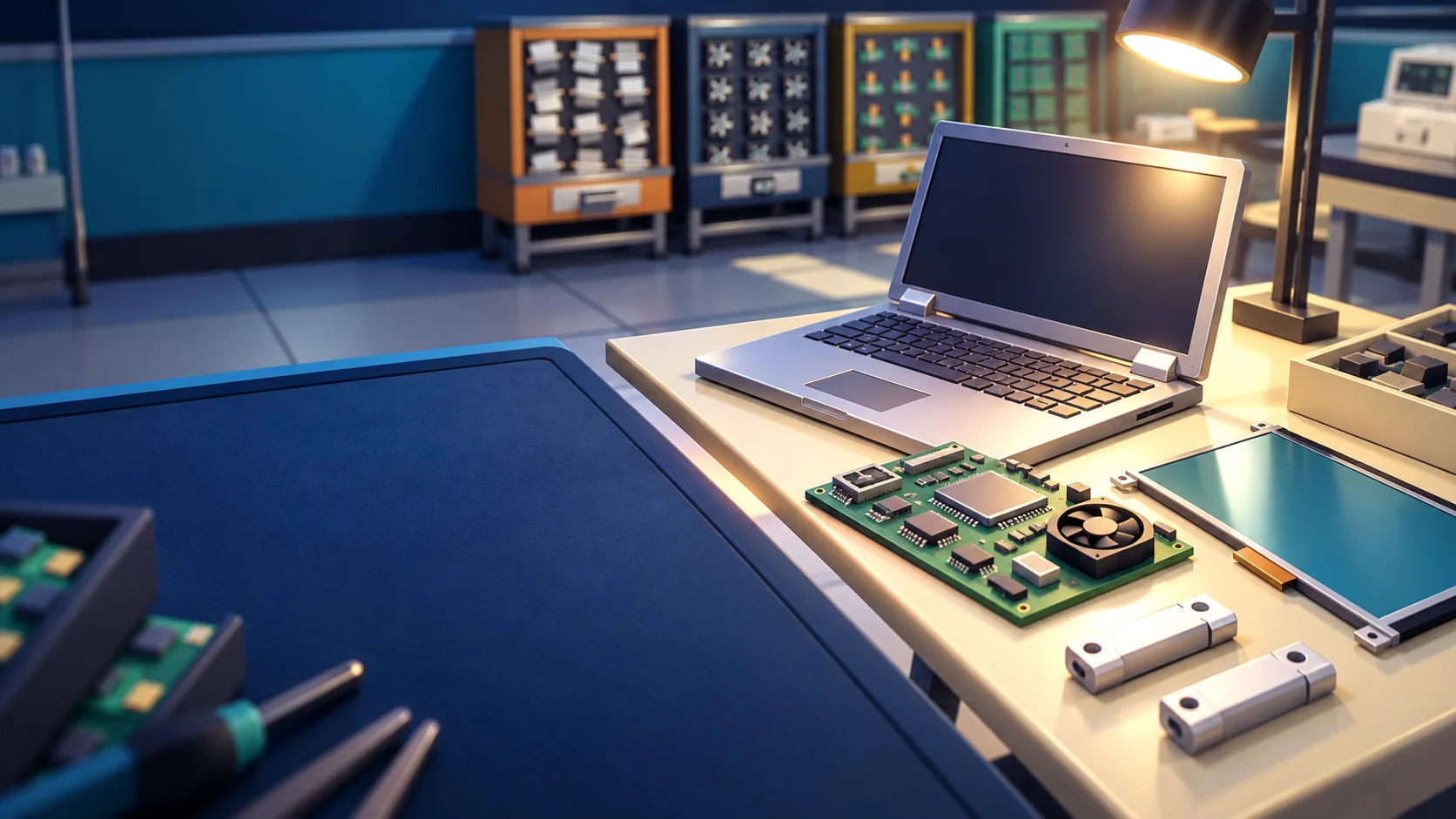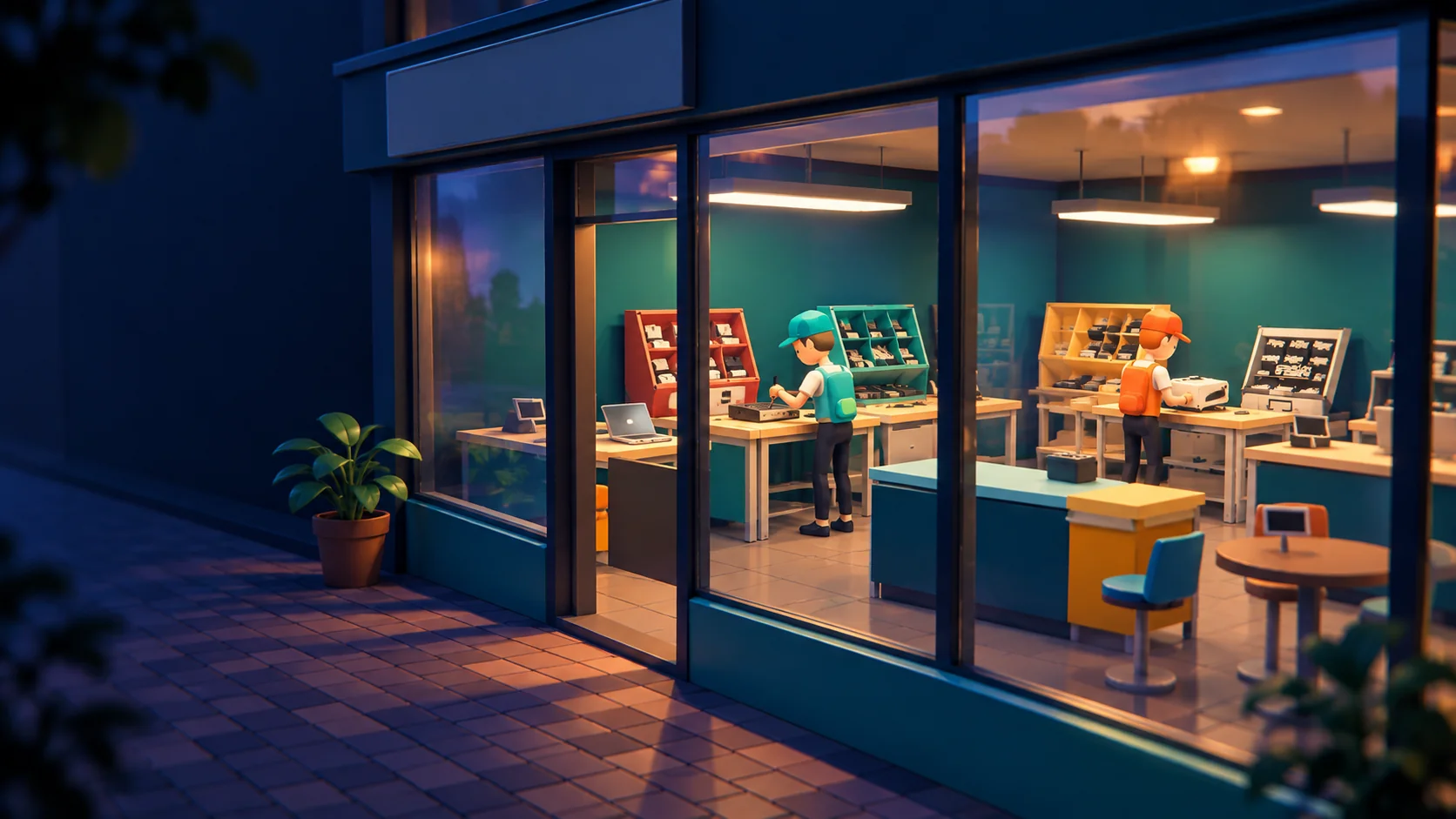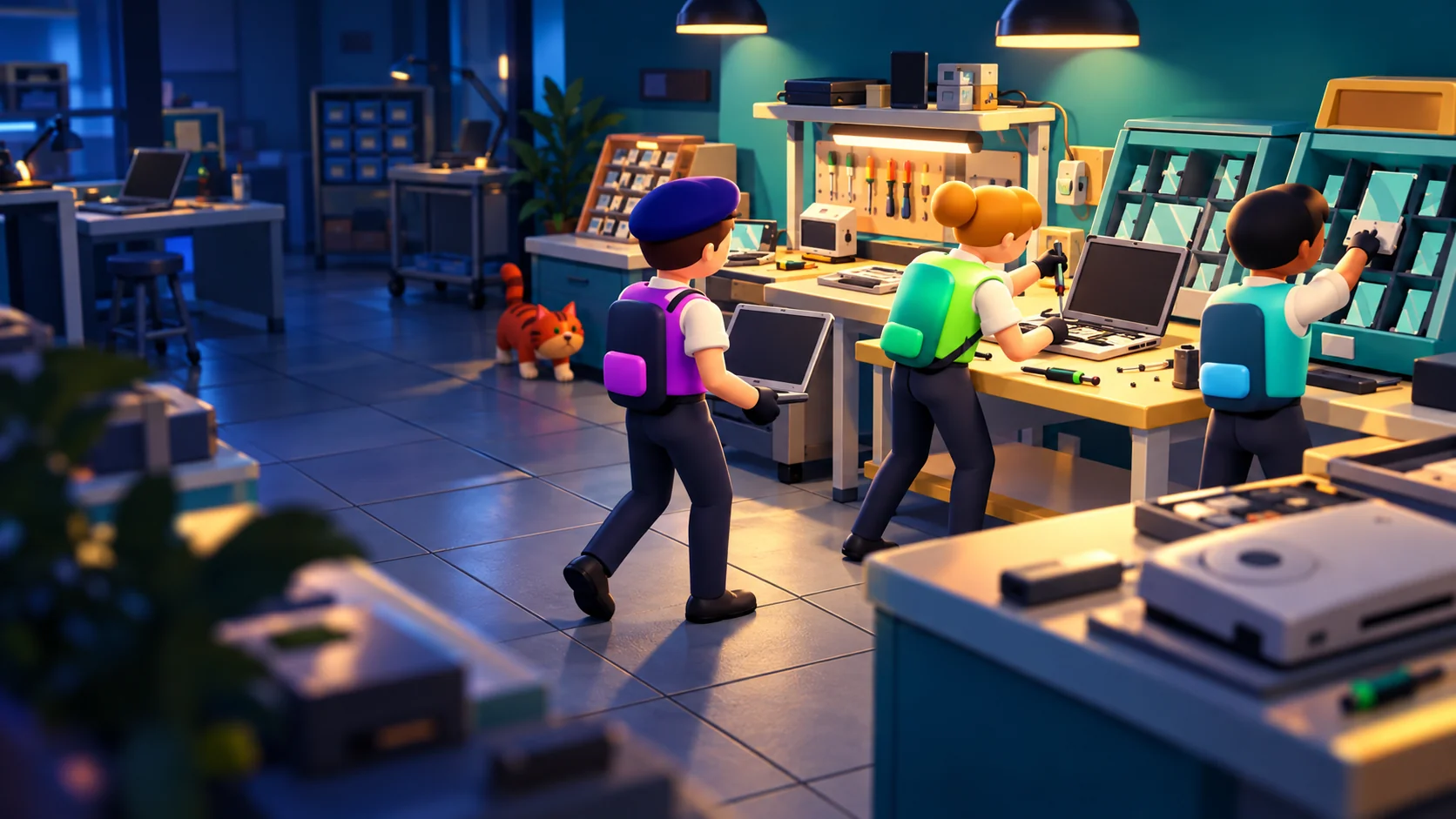

Read the device, not a shopping list.
The device’s number and task icon stay with it as it moves around the shop. Inspect it on a repair bench, fetch the requested part, and hold work to fit it. Finish with a test at the testing desk.

Gameplay
A phone to fix. A table to clear. Someone waiting for a motherboard. Build a repair shop together, find your rhythm, and keep the next customer smiling.
The daily loop
Take orders, carry real parts, and pass devices between teammates. Then clear the tables and decide what tomorrow adds to the shop.
Before the doors open
Pick your look, choose a phone, laptop, or console specialty, and put a floor layout on the mission table. Your first day starts with two simple repairs and their parts boxes.
When everyone is ready, your next shift begins.
Choose your starting device
 Phone
 Laptop
 Console
Everyone ready? Y / K
Make it your shop
Place the tables, the testing desk and the pass shelves. Leave a clear route between the supply boxes, the repair bench, and the service windows.
A little planning now saves a lot of bumping into each other later.
Make room for teamwork
Pick up. Place. Rotate. Keep the doorway clear.
Here comes the rush
Take orders at the tables, work out what is broken, and get the right part onto the bench. Test it at the testing desk, hand it over via a pass shelf if needed, and serve it back before their patience runs out.
Match the device number to its table. Clear leftover rubbish into the bin so the next customer can use it.
One device. A team effort.




One more day?
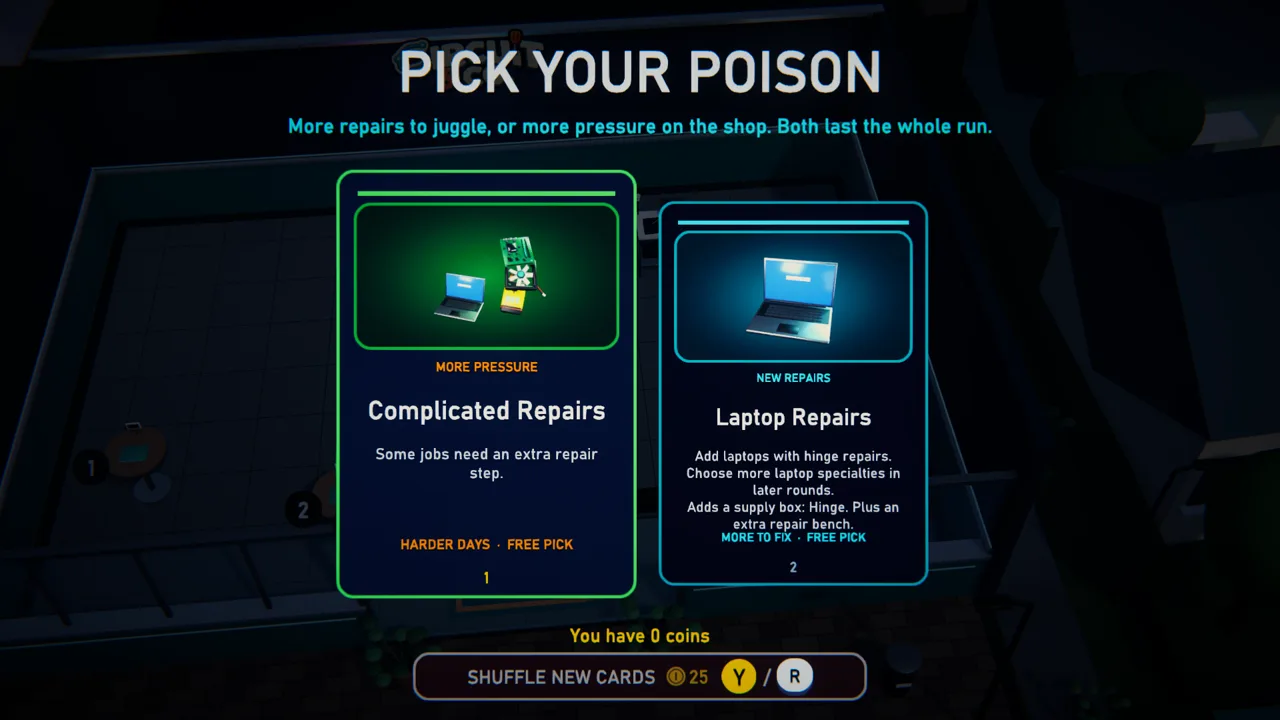
Make it through the shift, then vote as a crew: another device or repair specialty, or a tougher crowd. New repairs bring the parts boxes they need.
Buy and arrange your blueprints, ready up together, and open again.
What will tomorrow bring?
Broaden the workA new repairMore devices. More parts to juggle. Turn up the pressureA bigger rushMore customers waiting on your crew.
Your choice stays with the run.
Then open again. New day. Same crew. A little more chaos.
On the floor
Split the work between serving, repairs, parts runs, and cleanup. Swap roles when the queue changes.
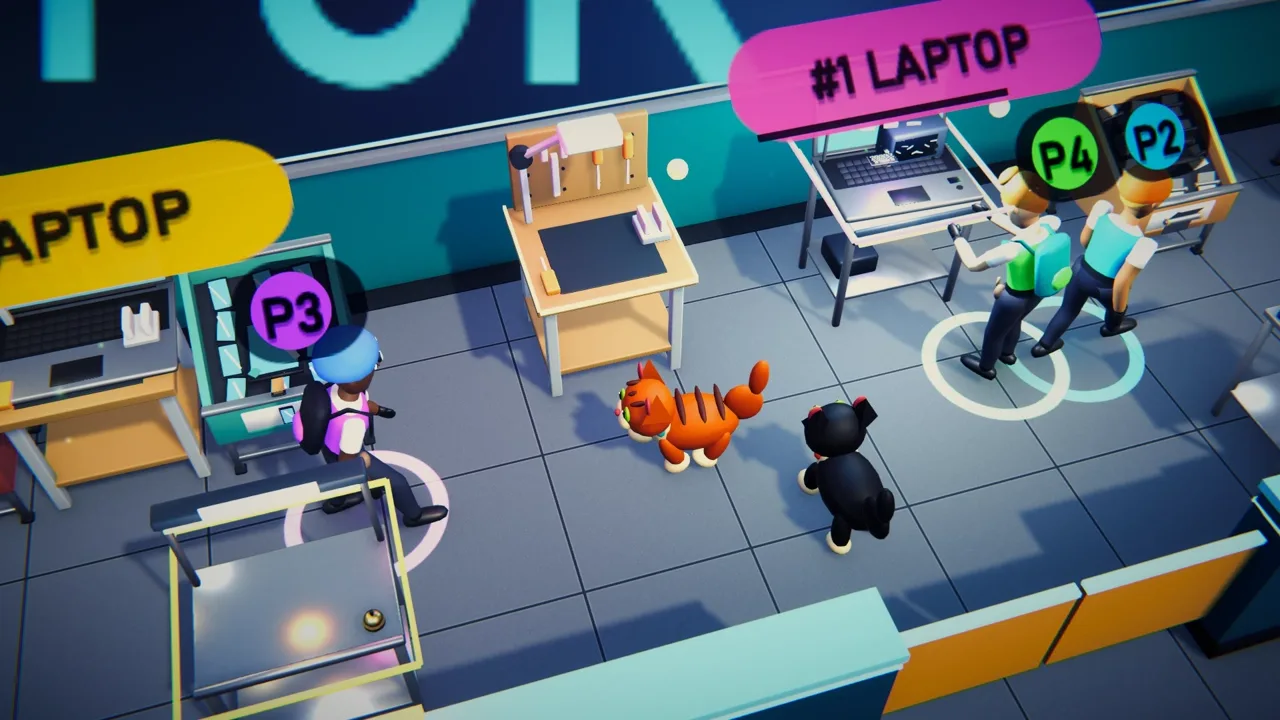
The device’s number and task icon stay with it as it moves around the shop. Inspect it on a repair bench, fetch the requested part, and hold work to fit it. Finish with a test at the testing desk.

Parts come straight from their own boxes. Carry one to a repair, or leave it on an empty counter for a teammate. Devices can wait on counters and pass shelves too. Everything happens on the floor, with no inventory menu.

Serve the tested device back to its numbered table. Customers can leave cups and wrappers behind: pick up the rubbish and take it to the dustbin to keep the tables turning.
Waiting seats, table orders, and accepted repairs have their own patience clocks. Early days give you breathing room; patience drains faster each day. When the shift clock reaches zero, new arrivals stop and you finish the customers already there.
The rule
They stand at your tables and wait. Take the order at the table, repair and test it in the back, and serve it back to the right table. An empty patience bar closes the shop. During the first three days, you can retry from planning; later losses end the run.
Between days · during the rush
Every successful day changes the next one. Your crew chooses the challenge; your earnings turn the blueprints on the floor into useful equipment.
01 / Vote together
Everyone gets a vote. Add a device or repair specialty and receive the parts boxes it needs, or choose more customers, faster arrivals, or less patience. The winning card affects the rest of the run.
A new device also brings another repair bench. Your shop grows a little more crowded with every choice.
02 / Find a blueprint
Blue paper blueprints appear on open shop tiles. Walk close to see an item’s details, pick it up to move it, or hold work to buy it. Add tables, chairs, counters, repair benches, research desks, cabinets, and wall fixtures.
Regular equipment can drop as Common, Uncommon, Rare, or Epic. Better tiers improve the item’s effect; research desks always arrive Common.
03 / Save it for research
Store one blueprint in a cabinet, with a research desk within two tiles. During service, put your device down and hold work at the desk to research it. Each stored blueprint can be upgraded once per day.
A counter blueprint becomes a repair bench. Other eligible equipment gains a tier. Retrieve the blueprint during planning and buy it when you’re ready.
04 / Make room
Move furniture and equipment freely during planning. Keep doors, service windows, and the customer standing spots at tables accessible. Wall clocks reduce table mess; wall monitors help waiting customers stay patient.
Put everything down and ready up together with Y / △ or K to open again.
Choose your floor plan
Choose the walls and room divisions at the mission table. Where the counters, parts boxes, and repair benches go is up to your crew.
The floor plan
An open floor with no interior partitions.
Only the floor layout and walls change between these plans. Move all furniture and equipment during planning to build your own setup.
Supply boxes
A run starts with two boxes. Every growth card you take adds the boxes its repairs need, and the floor gets busier. Where you put them decides who runs where.

The bench
Choose any of these devices to start. Begin with two simple repairs; unlock other faults and devices through between-day cards.
Glass, ports, and the sink
Screens crack, batteries die, and someone always lets one go for a swim.
Your starting repairs: Cracked screen and software glitch — screens and motherboards.
Repairs to discover
Your next shift
Co-op run · 1–4 technicians
Keep the shop running as the days get busier. A customer losing patience closes the shop; the first three days offer a retry from that day’s planning phase. Later losses end the run.
Your run records the day reached, total time, repairs completed, and coins earned.
Rival Shops · online mode
Two crews start with the same device, floor layout, and customer seed. Each crew runs its own shop. Finish day six before your opponent to win.
Choose Solo, Duo, or Quads. Losing a customer means replaying the day, costing you time in the race. Ranked matches track a rating for each crew size; private matches are unrated.
First shift?
The first-time tutorial walks you through taking an order, inspecting a phone, fitting a screen, testing, serving, and moving a table. There’s no timer or patience loss while you learn.
Meet the shop cats
Two cats wander around the shop. Approach with empty hands and interact to give one a pet. They’re very committed to supervising.